


Price: ₹3,499.00
(as of Jul 28, 2023 03:00:13 UTC – Details)

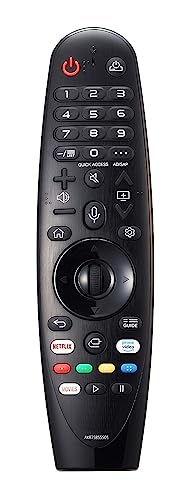
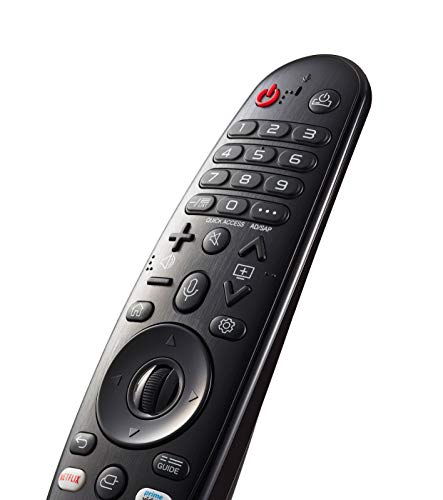
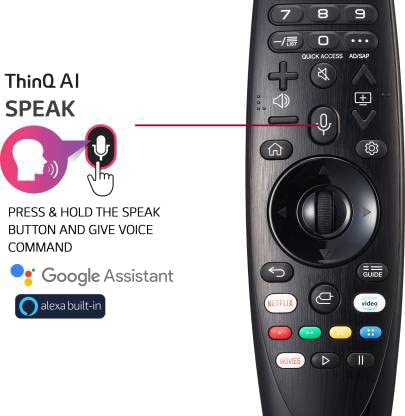
Control your compatible LG smart TV with the Magic Remote Control. It works with select LG TVs and features a built-in microphone to control your TV with Amazon Alexa or the Google Assistant. It can also mimic mouse functionality by making a cursor appear on your TV and letting you drag-and-drop or scroll with the scroll wheel. Dedicated Netflix and Prime Video buttons give you quick one-press access to those apps.
Works with LG Smart TVs.
Microphone for Voice Control.
Works with One-Click Netflix & Prime Video Button the Google Assistant & Alexa.
Mouse-Like Controls.
you can control your entertainment by clicking, scrolling, or using LG’s Voice Mate speech recognition technology. Compatible with select LG televisions, the Magic Remote pairs with your television using 2.4 GHz Bluetooth technology.
To make the remote’s pointer appear on the screen, shake it from right to left, or press the Home, Input, or Settings buttons. You may also turn the Wheel (OK) button. If the pointer has not been used for a certain period of time, it will disappear and need to be woken up. If the pointer is not responding smoothly, it can be reset by moving it to the edge of the screen.
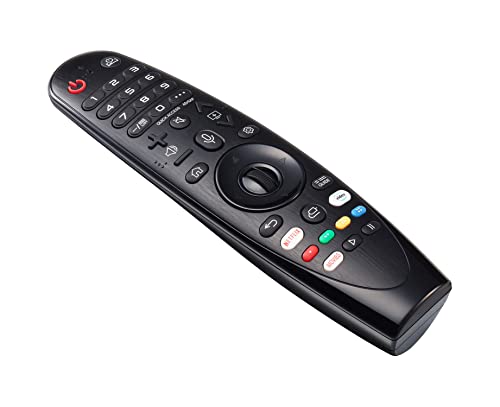
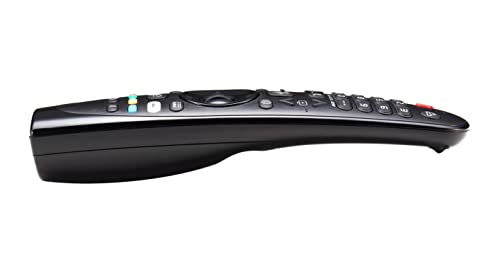
Important Note: Kindly check the images of the item and match with your existing/old remote before purchase.
Works with LG Smart TVs. Microphone for Voice Control. Works with One-Click Netflix and Prime Video Button the Google Assistant and Alexa. Mouse-Like Controls. you can control your entertainment by clicking, scrolling, or using LG’s Voice Mate speech recognition technology. Compatible with select LG televisions, the Magic Remote pairs with your television using 2.4 GHz Bluetooth technology.
To make the remote’s pointer appear on the screen, shake it from right to left, or press the Home, Input, or Settings buttons. You may also turn the Wheel (OK) button. If the pointer has not been used for a certain period of time, it will disappear and need to be woken up. If the pointer is not responding smoothly, it can be reset by moving it to the edge of the screen.
Important Note: Kindly check the images of the item and match with your existing/old remote before purchase.
IMPORTANT: Please check the images of the item and look closely at all the buttons and match with your existing / old remote before purchase. Integrated microphone for use with the Google Assistant and Amazon Alexa. For Best performance, Please insert new Alkaline Batteries before using.